Perimeter vs Area: Units and Worked Examples
Compare perimeter and area using rectangles, triangles, circles, and a fully worked L-shape. Learn the correct units, formulas, and calculator limits.
Quick answer: what perimeter vs area measure
Perimeter and area are different measurements of a flat (two‑dimensional) shape. Perimeter measures the total length around a figure and uses linear units (meters, feet, etc.). Area measures the amount of surface the figure covers and uses square units (square meters, square feet, etc.).
Both perimeter and area need dimensions or reliable scale information. A visible boundary alone cannot establish its real-world length, and perspective can distort either measurement. Equal numerical values can appear for both measures — for example, a shape can have perimeter 20 m and area 20 m² — but those numbers are not the same quantity because their units differ.
For concrete checks and computations, use the standard formulas (rectangle, triangle, circle) or Cartesian coordinate methods for polygons. If you want to confirm a numeric area quickly, check the Geometry AI area calculator: it accepts predefined shape dimensions and returns area values, but it does not accept arbitrary vertex-coordinate input and it does not output perimeter. See the tool at https://geometryai.app/tools/area-calculator.
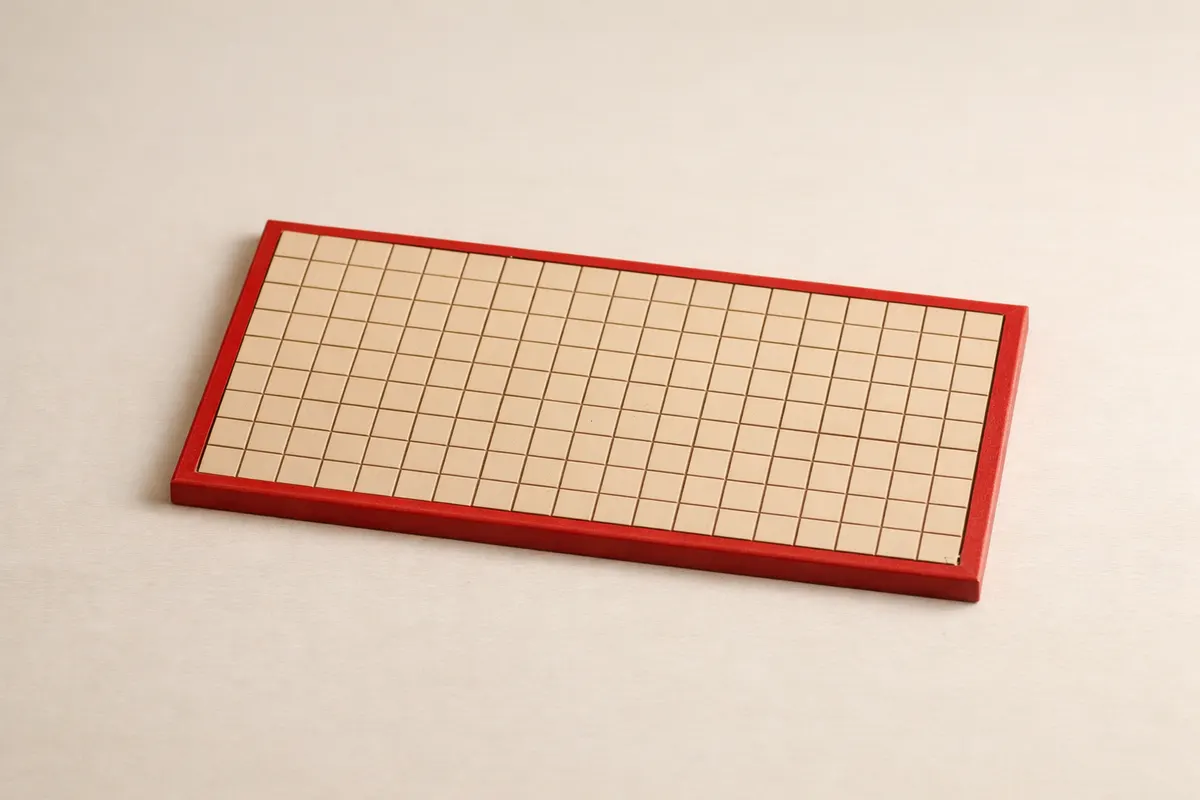
AI-generated illustration of boundary versus covered surface; use the stated dimensions in the worked examples.
What perimeter and area actually represent
Perimeter is the one‑dimensional length of a figure’s outer edge. If you walked the boundary of a garden and measured how far you walked, that distance is the perimeter. Because it measures length, perimeter carries the same unit as a ruler: meters (m), feet (ft), centimeters (cm), and so on.
Area is a two‑dimensional measure of the region inside the boundary. Area answers how much flat surface the shape covers. Area units are square versions of the length units: square meters (m²), square feet (ft²), or square centimeters (cm²). Multiplying two lengths produces an area unit: for a rectangle width w and height h, area = w × h and the units are (length × length) = length².
The distinction matters in practice. For example, fencing cost depends on perimeter (linear meters of fence), while paint or turf cost depends on area (square meters of surface). That practical separation is why you must keep track of units rather than rely on the raw numbers alone.
When you move between formulas and coordinates, keep units consistent. If coordinates are given in meters, compute lengths and areas in meters and square meters respectively. Do not mix degrees (latitude/longitude) with metric lengths: planar Cartesian coordinates in consistent length units are required for standard distance and area formulas.
Key clues to tell perimeter from area in practice
When examining a picture, note what evidence supports measuring a boundary length versus a surface area. Some clues let you confidently compute one quantity, others leave ambiguity.
Always check for scale references, visible boundary continuity, and whether the shape is planar (flat) in the image. Below are the most reliable clues to decide whether you can compute perimeter or area from what you see.
- Known dimensions or calibrated in-plane scale: needed to convert image measurements into lengths and areas; perspective must also be addressed.
- Continuous boundary plus reliable scale: supports a perimeter estimate when perspective is controlled; an obscured edge leaves missing information.
- A complete outline and sufficient dimensions can determine area even when the interior itself is not visible.
- Right angles and straight edges: when edges are straight and dimensions are visible, use standard formulas (rectangle, triangle) rather than freehand approximations.
- Photographic foreshortening and perspective: reduce measured lengths without correction; a single photograph can mislead both perimeter and area unless corrected by known in‑plane scale markers.
- Use known dimensions in the same plane as the shape. A nearby object at another depth is not a reliable scale reference.
- Units sign: if someone reports a number with units (for example, “20”), check whether they mean meters (m) or square meters (m²). The same number can represent different physical quantities.
- Shape complexity: for simple polygons use formulas or decomposition; for irregular shapes, consider digital planimetry with referenced scale or divide the shape into known pieces.
Step-by-step workflow
1) Identify the goal. Ask whether you need the length around the shape (perimeter) or the area inside it (area). The intended use clarifies the required quantity: fence versus paint, for example.
2) Confirm units and scale. Find a visible linear reference in the same plane as the shape (ruler marks, standard object) and note its true units. If coordinates are provided, ensure they are planar Cartesian coordinates in a consistent length unit (meters, feet, etc.). Avoid using geographic degrees as if they were meters.
3) Choose a method. For standard shapes use their direct formulas: rectangle A = w × h, P = 2(w + h); triangle A = 0.5 × base × height, and for a circle A = πr², C = 2πr for circumference. For polygons with known vertices, use the shoelace (Gauss) formula with Cartesian coordinates. If the shape is irregular but can be broken into simpler parts, decompose and sum areas.
4) Compute carefully and note units. Always attach units to your result: meters for perimeter, square meters for area. If two computed numbers are numerically the same, explain they represent different physical quantities by their units.
- When vertices are known in Cartesian coordinates (x, y) in meters, compute polygon area with the shoelace formula and distances with the Euclidean distance formula.
- If using a calculator tool, verify the tool accepts the inputs you have. The Geometry AI area calculator accepts predefined shape dimensions (width/height, base/height, radius) and returns area values only; it does not accept arbitrary vertex coordinates and it does not compute perimeter. Check the tool here: https://geometryai.app/tools/area-calculator.
Worked examples: rectangle, triangle, circle, and L-shape
Rectangle example — dimensions and units: take a rectangle 5 m by 3 m. Area = width × height = 5 m × 3 m = 15 m². Perimeter = 2(width + height) = 2(5 m + 3 m) = 16 m. Note the numbers 15 and 16 are qualitatively different: 15 has units m² and 16 has units m.
Right‑triangle example — coordinates and numeric perimeter: use a right triangle with Cartesian vertices at (0,0), (6,0), (0,4) where coordinates are in meters. Area = 1/2 × base × height = 0.5 × 6 m × 4 m = 12 m². Side lengths: base = 6 m, height = 4 m, hypotenuse = sqrt(6² + 4²) = sqrt(52) ≈ 7.211 m. Perimeter ≈ 6 + 4 + 7.211 = 17.211 m. All distances are in meters and area in square meters because coordinates were meters.
Circle example — radius and both measures: for a circle of radius r = 3 m, area A = πr² = π × 9 m² ≈ 28.274 m². Circumference (the circle’s perimeter) C = 2πr = 6π m ≈ 18.850 m. Again, numerical similarity is coincidental; units distinguish the quantities.
L‑shape example — dimensions, decomposition and Cartesian coordinates: construct the L‑shape from an outer rectangle 6 m by 4 m with the upper‑right 2 m × 2 m square removed. Decomposition gives area = outer rectangle area − removed square area = (6 m × 4 m) − (2 m × 2 m) = 24 m² − 4 m² = 20 m².
Perimeter for the same L‑shape (linear units): trace the boundary in sequence using consistent units (meters). Use vertices in planar Cartesian coordinates (meters) to avoid unit mismatch and to apply distance formulas if needed. Choose the polygon vertex order (counterclockwise):
Vertices (meters): (0,0), (6,0), (6,2), (4,2), (4,4), (0,4). These are all planar Cartesian coordinates in meters; do not use latitude/longitude degrees here because degrees are not length units.
Side lengths in that order: (0,0)→(6,0) = 6 m; (6,0)→(6,2) = 2 m; (6,2)→(4,2) = 2 m; (4,2)→(4,4) = 2 m; (4,4)→(0,4) = 4 m; (0,4)→(0,0) = 4 m. Sum of the boundary lengths = 6 + 2 + 2 + 2 + 4 + 4 = 20 m. The shape’s area is 20 m² while its perimeter is 20 m; the identical numerical value 20 must be interpreted with its unit to avoid confusion.
Shoelace check (Cartesian coordinates): apply the shoelace formula to the same vertex list to confirm area. Using (x1,y1)=(0,0), (x2,y2)=(6,0), (x3,y3)=(6,2), (x4,y4)=(4,2), (x5,y5)=(4,4), (x6,y6)=(0,4): compute 1/2 |sum(xi*yi+1 − yi*xi+1)| = 20 m². This matches the decomposition result and verifies the coordinates and units were applied consistently.
Tool note: if you prefer an automated check, the Geometry AI area calculator accepts common shape dimensions (rectangle width and height, triangle base and height, circle radius) and returns the area in square units. It does not accept arbitrary vertex coordinates for polygon shoelace input and it does not output perimeter values. Confirm the inputs you have before relying on the tool: https://geometryai.app/tools/area-calculator.
Limitations: when perimeter or area are uncertain
Photos and partial measurements introduce ambiguity. If a photograph lacks a measurable in‑plane scale or hides parts of the boundary, neither perimeter nor area can be computed with confidence from the image alone. Perspective distortion and camera tilt change apparent lengths, so uncorrected photo measurements are unreliable.
Coordinate methods require planar Cartesian coordinates measured in consistent length units. Do not treat latitude/longitude degree values as metric distances; converting geographic coordinates to planar distances requires a map projection and a clear statement of units. For standard classroom examples and Euclidean computations, provide or convert coordinates to meters, feet, or another single length unit before using distance or area formulas.
The site’s area tool accepts common predefined dimensions but does not accept arbitrary polygon vertex lists or compute perimeter. If you need polygon area from vertices, apply the shoelace formula on Cartesian coordinates or use a tool designed specifically for polygon vertices. If you need perimeter as well, compute edge lengths from coordinates via the Euclidean distance and sum them; verify units remain consistent.
When results are critical (legal property surveys, construction bids, safety calculations), verify with a direct measurement, a calibrated surveying method, or a licensed professional. For routine classroom problems and many practical checks, following the steps and keeping units explicit produces defensible answers.
Related guides
Check the worked area example with the live calculator
If you want to confirm an area from dimensions, try the Geometry AI area calculator at https://geometryai.app/tools/area-calculator. It accepts standard shape dimensions (rectangle, triangle, circle) and returns area in square units. Remember: the calculator does not accept arbitrary vertex-coordinate input and does not output perimeter, so use it when you have the predefined dimensions required.

Frequently asked questions
Why can area and perimeter be the same number but different things?
A number without units is ambiguous. Perimeter is a length (e.g., 20 m); area is a surface (e.g., 20 m²). Two different physical quantities can share the same numerical value but are not interchangeable. Always read and record the unit: meters for perimeter, square meters for area.
Can I compute area from a photo of a shape?
Only if the image has a reliable in-plane scale or sufficient known dimensions and perspective is controlled or corrected. A recognizable object at another depth is not enough. For classroom work, use the stated dimensions rather than measuring the drawing by eye.
When should I use the shoelace formula instead of decomposition?
Use shoelace (Gauss) when you have the polygon’s Cartesian vertex coordinates in a consistent length unit — it is direct and less error‑prone for many vertices. Decomposition (splitting into rectangles, triangles) is easier for simple shapes. Both yield the same area if applied correctly with consistent units.
Does the Geometry AI area calculator accept polygon vertex coordinates or return perimeter?
No. The area calculator accepts predefined shape dimensions such as width and height for rectangles, base and height for triangles, and radius for circles and returns area values only. It does not accept arbitrary vertex-coordinate input and it does not compute perimeter. Check inputs and tool capabilities at https://geometryai.app/tools/area-calculator.