Geometry AI - Math Solver
Snap or upload a geometry problem and get a detailed solution you can follow. Geometry AI handles handwritten and digital questions across plane geometry, solid geometry, trigonometry, and coordinate geometry.
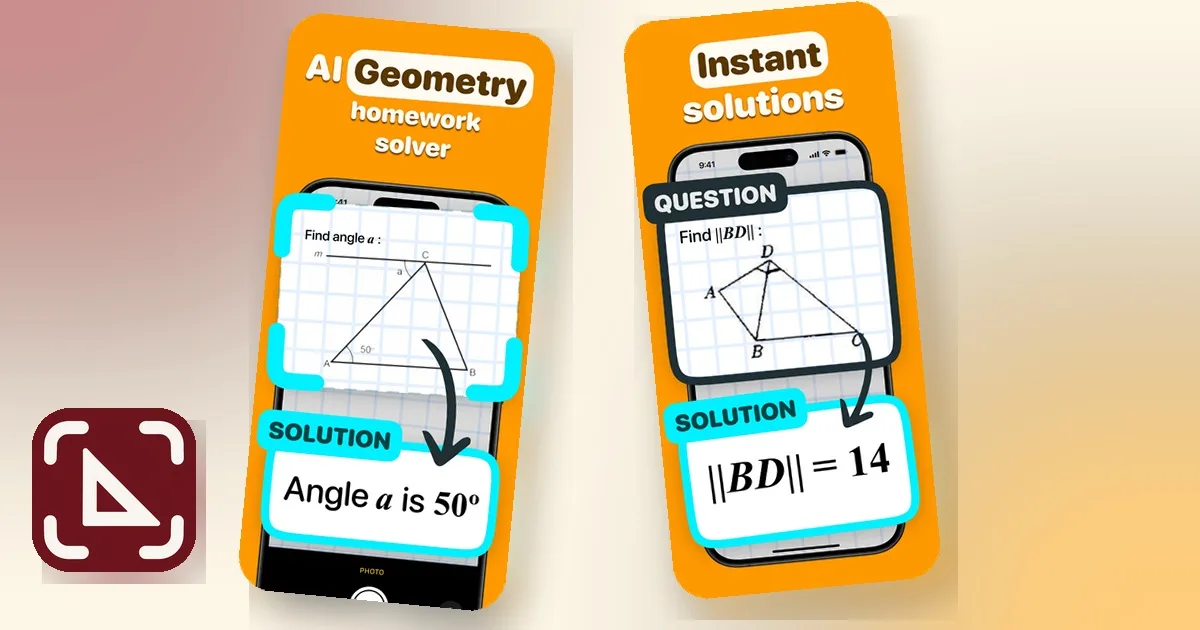
Geometry help from photo to solution
Turn a difficult diagram, proof, or calculation into a clear path forward with an AI-powered geometry problem solver built for students.
Photo Problem Recognition
Use camera or gallery
Capture a handwritten worksheet, textbook question, or digital geometry problem without retyping every symbol and label.
Step-by-Step Solutions
Understand the method
Review a detailed breakdown of the reasoning, formulas, and calculations that lead to the final answer.
Broad Topic Coverage
From angles to 3D geometry
Work through plane geometry, solid geometry, coordinate geometry, trigonometry, diagrams, and geometric proofs.
Copy and Share
Keep useful explanations
Copy or share solution details so you can revisit the approach while studying, reviewing homework, or preparing for an exam.
Solve a Geometry Problem in Three Steps
Go from a photo of the question to a clear explanation in a simple mobile workflow.
1. Capture or Upload
Take a clear photo of the full geometry question or choose an existing image from your gallery.
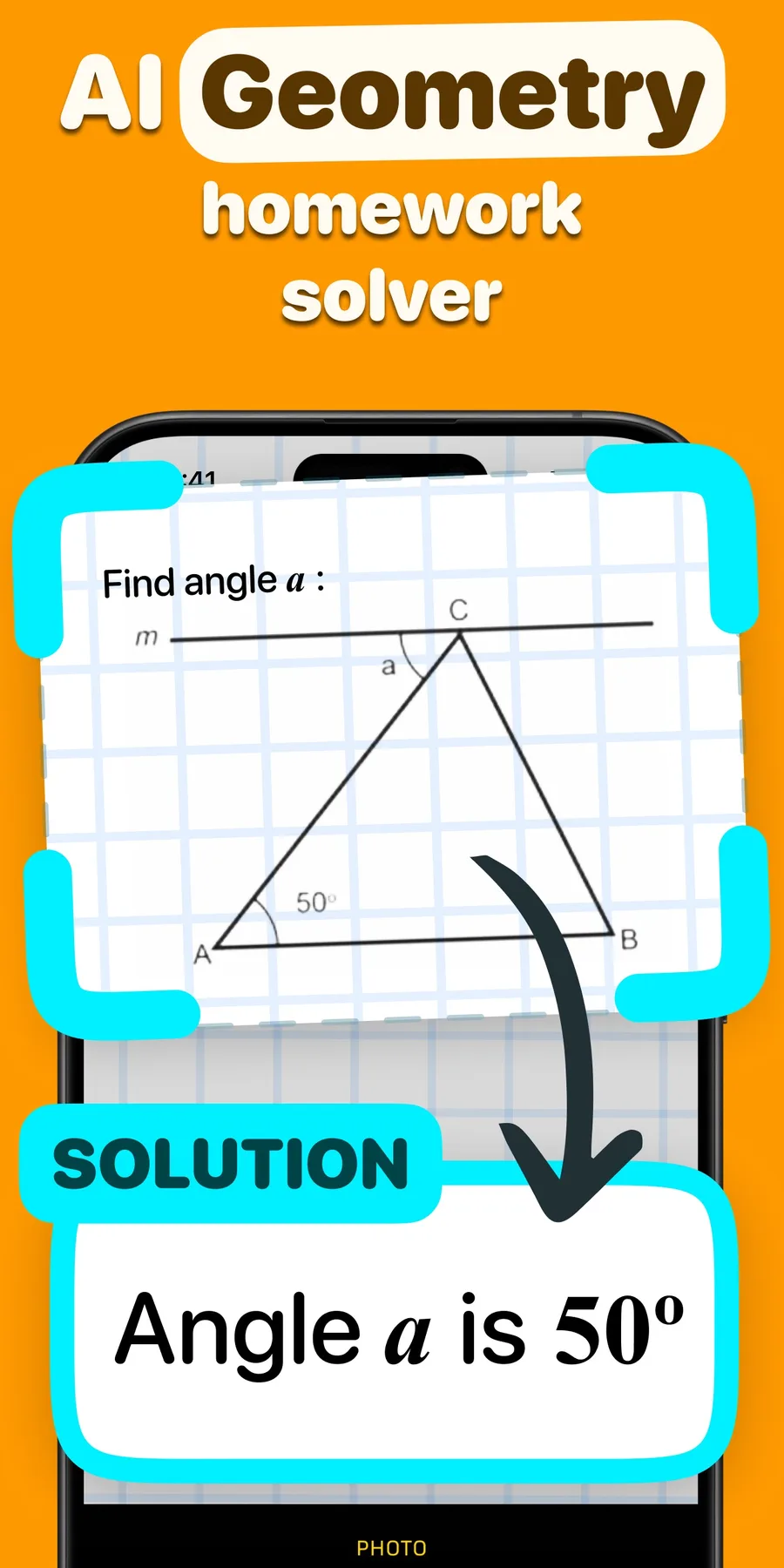
2. Let Geometry AI Analyze
The app reads the text, notation, labels, and diagram to identify what the problem is asking.
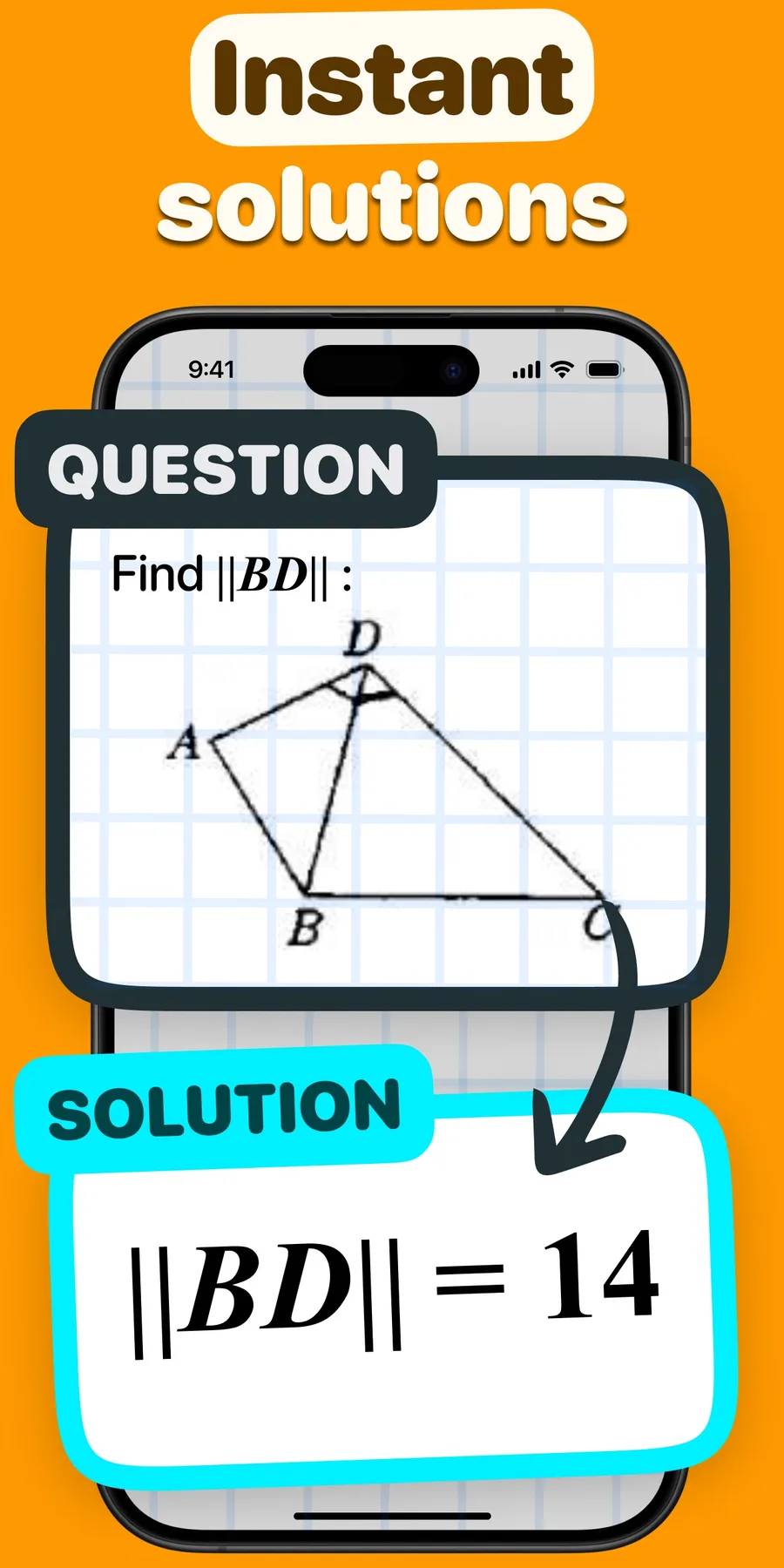
3. Review the Solution
Follow the detailed explanation, check the final answer, and use the steps to study the underlying concept.
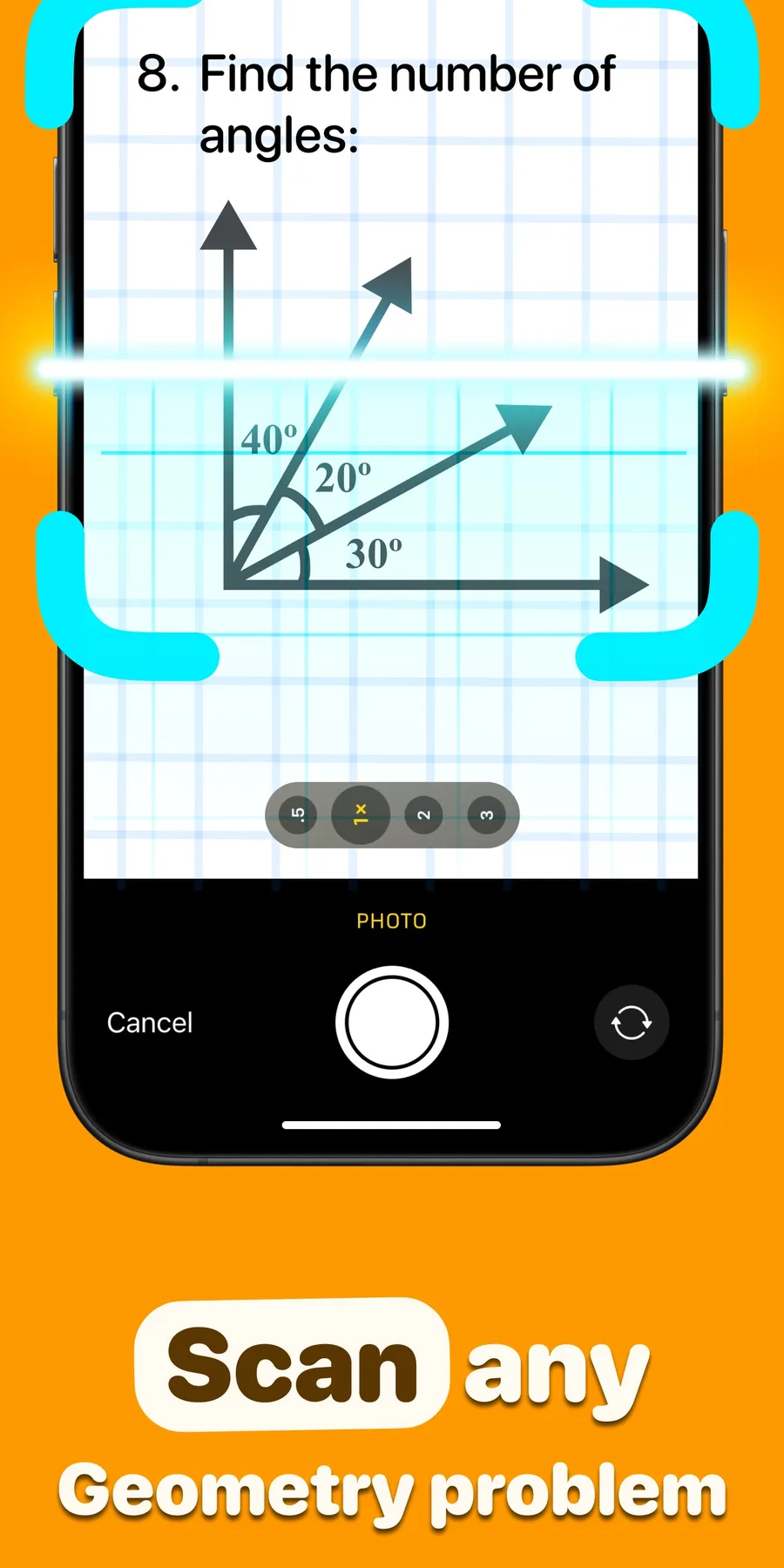
Student Friendly
Built for homework, practice, revision, and exam preparation.
Explanation First
See the reasoning and formulas behind the result, not only the final answer.
Fast Photo Workflow
Start from a problem image instead of spending time retyping diagrams and notation.
Frequently Asked Questions
Answers about geometry scanning, topic coverage, solution quality, subscriptions, and privacy.
Can Geometry AI solve a problem from a photo?
Yes. Take a clear photo of a handwritten or digital geometry problem, or upload an image from your gallery. Include the full question, diagram, labels, and answer choices when applicable so the app has enough context to analyze it.
Does Geometry AI show step-by-step solutions?
Yes. Geometry AI is designed to provide a detailed explanation of the reasoning, formulas, and calculations used to reach a result so you can review the method as well as the answer.
What geometry topics are supported?
The app supports a broad range of topics, including lines and angles, triangles, circles, polygons, plane geometry, solid geometry, coordinate geometry, trigonometry, and geometric proofs.
How accurate are the answers?
Result quality depends on the clarity and completeness of the problem image, the notation, and the complexity of the question. AI-generated solutions can be incorrect, so review each step and verify important answers with your course materials or instructor.
How do I take the best photo?
Use bright, even lighting and keep the entire question in focus. Make sure every label, symbol, diagram edge, unit, and answer choice is visible. Avoid glare, shadows, blur, and crops that remove part of the problem.
Can I copy or share a solution?
The app is designed to let you copy and share detailed solutions, making it easier to keep useful explanations available for study and review.
How does the subscription work?
A subscription is required to access the app's full content after any available trial. Current plans, prices, billing periods, renewal terms, and cancellation options are shown in the App Store and inside the app before purchase.
How is my data and privacy protected?
Photos and app data are used to provide geometry problem recognition and solution features. Review the Privacy Policy for details about data handling, retention, service providers, and your choices.
Make your next geometry problem clearer
Download Geometry AI, scan a problem, and work through a detailed solution from your phone.

Latest guides
Fresh identification guides from our editorial team.
Geometry
Surface Area vs Volume: Units, Differences, and Examples
A practical guide to surface area vs volume: how to decide which quantity a problem asks for, why units are squared or cubed, and step-by-step worked examples for a rectangular prism and a cylinder.
9 min readGeometry
How to Solve Triangle Problems: Steps, Checks, and Common Mistakes
A practical guide to how to solve triangle problems: stepwise methods, the visual clues to trust, common mistakes to watch for, and how to verify your answer.
9 min readGeometry
How to Solve Angle Problems: Step-by-Step Method
A practical look at how to solve angle problems: which details matter in the diagram, a reliable workflow to reach the answer, and quick checks to confirm your work.
9 min read