Interpret Angle Calculator Results: Units, Inputs & Ambiguity
Check angle calculator outputs quickly: confirm degrees vs radians, sufficient inputs, triangle feasibility, rounding effects, and the SSA two-solution case.
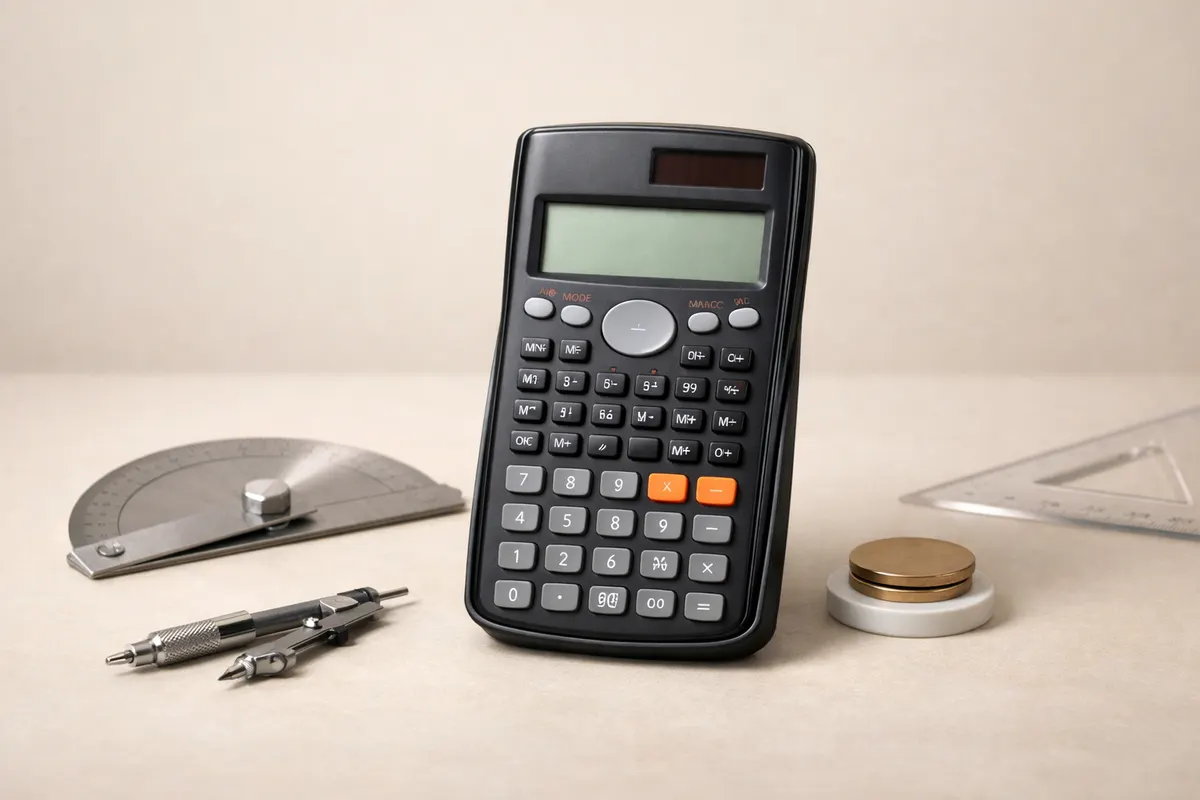
Quick answer: what to check first with an angle calculator
When an angle calculator returns a value, the first checks are simple: confirm the calculator’s unit (degrees or radians), verify you supplied a sufficient set of inputs, and confirm the result satisfies basic triangle rules (angle sum and triangle inequality). These checks catch most mistakes and misconceptions before you dig into algebra or re-solving the triangle.
If you entered a side-side-angle (SSA) scenario, be aware that two distinct triangles can match the same inputs. If your calculator gives a single angle in an SSA case, run the alternate-solution check (compute the supplementary angle) and test whether both possibilities leave a valid third angle. Always check numeric feasibility rather than assuming a single unique triangle.
Finally, watch for diagram-scale traps: a drawn sketch or photograph is rarely to scale. A visually plausible angle can still be impossible once you plug numbers into the calculator. Use these quick checks in order: units, input sufficiency, triangle feasibility, and ambiguity.
- Confirm units: degrees vs radians before you interpret numeric answers.
- Check input sufficiency: SSS, SAS, or ASA guarantee unique solutions; SSA can be ambiguous.
- Verify feasibility: side lengths must satisfy triangle inequality; angle sums must be 180° (or π radians).
- If SSA, compute the supplementary angle for the ambiguous case and test both results.
What an angle calculator result actually represents
An angle calculator applies trig relationships to the numbers you provide; it does not know the real-world constraints behind those numbers. The output is a mathematical consequence of inputs and the assumptions built into the solver (for example, whether the calculator expects degrees or radians). That means a numeric answer is only as reliable as the inputs and assumptions.
Many calculators assume degrees by default, but some use radians or allow you to switch. A value of 1.0 could be 1° (tiny) or 1 radian (≈57.3°). Misinterpreting units produces the most common kind of apparent error. Check the unit setting before you rely on the magnitude of any angle result.
Beyond units, the solver makes structural assumptions: certain input combinations define a single triangle (SSS, SAS, ASA), some define none (violating triangle inequality), and some allow two solutions (SSA). A returned number is not a proof that a diagram is accurate or that a photograph is to scale—it's a numerical interpretation of the provided figures.
- Calculator output = math from given numbers + solver assumptions.
- Unit mismatch (degrees vs radians) can change meaning drastically.
- Input pattern determines uniqueness: SSS/SAS/ASA → unique; SSA → possible two solutions or none.
- A diagram or photo is supporting evidence, not a mathematical guarantee.
Key clues to validate an angle calculator output
Before accepting an angle value, look for a few concrete clues that increase confidence: clear labels for which side matches which angle, whether the units were explicit, and whether any rounding in your inputs might have pushed a borderline case over a feasibility threshold. Missing or inconsistent labels are the most common cause of confusion.
Another strong clue is whether the given numbers fit known uniqueness patterns. If you supplied three sides (SSS), check that the three side lengths adhere to the triangle inequality (each side < sum of the other two). If you supplied two sides and the included angle (SAS) or two angles and a side (ASA), those patterns produce a unique triangle—less reason to suspect ambiguity.
In SSA cases, inspect any small or large angles. If the angle you supplied is acute and the side opposite it is shorter than the other given side, compute the sine-based test: if (otherSide * sin(givenAngle) / oppositeSide) is ≤ 1 you have at least one solution; if it's < 1 you may have two solutions. When that expression is very close to 1, tiny measurement or rounding errors can flip the outcome.
- Labels: make sure 'side a' actually refers to the side opposite angle A and that labels weren’t swapped.
- Units: confirm the calculator was set to degrees or radians to match your intended inputs.
- Triangle inequality: for sides x, y, z, each must be less than the sum of the other two.
- Input pattern: SSS/SAS/ASA = unique; SSA = check for 0, 1, or 2 valid solutions.
- Rounding risk: when trig ratios are near 0 or 1, small input errors change results.
Step-by-step workflow
1) Confirm units and labels. Open the calculator’s settings or the input form and verify whether angles are interpreted in degrees or radians. Make sure the side labels (a, b, c) correspond to the correct opposite angles (A, B, C). A mislabeled side is the quickest way to get a sensible-looking but incorrect answer.
2) Re-run the computation with explicit precision. If inputs use rounded decimals, repeat with higher-precision values or include more significant digits. This is especially important when an expression like sin⁻¹(value) returns a value whose sine is very close to 1: rounding can turn a valid triangle into an impossible one or vice versa.
3) Test feasibility using simple checks: if three sides are given, confirm triangle inequality; if three angles are given, confirm their sum equals 180° (or π radians); if two angles are given, the third must be 180° minus their sum. If any of these fail, the input set is inconsistent or mis-entered.
4) For SSA inputs, compute the law-of-sines test for a second solution. Calculate the sine ratio for the unknown angle, find the principal arcsin result, and then test the supplementary angle (180° − arcsinResult). For each candidate, subtract the known angles from 180° to see if the third angle remains positive. Keep both valid sets and compare side lengths or other constraints to decide which matches your real-world situation.
5) If a diagram or photo informed your inputs, treat it as supporting evidence: measure at least two independent features (for example, two sides or a side and an angle) from the image, confirm scale assumptions, and repeat the numeric checks above. When in doubt, use the triangle solver at https://geometryai.app/tools/triangle-calculator to recompute both candidate SSA solutions and compare.
- Confirm units and labels first.
- Increase input precision to test rounding sensitivity.
- Apply triangle inequality and angle-sum checks.
- In SSA, compute both the arcsin result and its supplement, then test each candidate.
- Use the site’s triangle calculator to recompute and compare both candidate triangles.
Examples
Example scenario: suppose you know side a = 7 (opposite angle A), side b = 10 (opposite angle B), and angle A = 30°. You enter these three inputs into a triangle solver. The law of sines gives sin B = (b * sin A) / a = (10 * sin 30°) / 7 = (10 * 0.5) / 7 = 5/7 ≈ 0.7143. Because 0 < 0.7143 < 1, there are two possible angles B with that sine value: B1 = arcsin(0.7143) ≈ 45.6° and B2 = 180° − 45.6° ≈ 134.4°.
Both B1 and B2 produce valid triangles when you add angle A and compute the remaining angle C: for B1 = 45.6°, the third angle C = 180° − (30° + 45.6°) ≈ 104.4°. For B2 = 134.4°, C = 180° − (30° + 134.4°) ≈ 15.6°. Both C values are positive, so both triangles are geometrically possible and consistent with the original SSA inputs.
How to use this in practice: after the calculator returns an angle, compute its supplementary counterpart and check the remaining angle each way. If both lead to positive third angles and the side lengths conform to any measured lengths or context constraints, record both solutions. In many real-world problems (construction, surveying, photo-based measurement) a physical constraint or a labeled diagram will rule out one of the two triangles—use that external evidence rather than the calculator alone.
- Given a = 7, b = 10, A = 30° → sin B = 5/7 ≈ 0.7143.
- Two B solutions: 45.6° and 134.4°; correspondingly, C ≈ 104.4° and 15.6°.
- Both triangles valid numerically—external context decides which fits reality.
- Recompute both cases in the triangle calculator to compare side lengths and fit.
Limitations
Numeric checks cannot replace real-world verification. If your inputs come from a photograph, perspective distortion and parallax can produce incorrect side ratios and angles. If inputs come from hand measurements, instrument precision and human reading error are likely larger than the calculator’s numeric rounding. Treat results as conditional on input quality.
When a case sits near a decision boundary—sin ratios very close to 0 or 1, or three numbers that barely satisfy triangle inequality—small measurement errors can flip feasibility or uniqueness. In borderline situations, measure with a different method (a tape measure vs a photo-derived scale), increase precision, or consult a second independent measurement.
Also, calculators assume idealized geometry: straight lines, perfect corners, planar triangles. For structural problems, physical tolerances, material deformation, or 3D geometry can invalidate the planar triangle model. When safety, legal compliance, or costly fabrication depend on the correct triangle, verify with instruments or a qualified professional.
Finally, do not conflate a plausible-looking diagram with a validated solution. A diagram not to scale is a frequent source of false confidence. Use the checks above, recompute both SSA solutions when relevant, and, where practical, validate one or two independent dimensions with physical measurement before acting on any computed angles.
- Photos can mislead: perspective changes apparent side ratios.
- Borderline numeric values demand higher-precision input or remeasurement.
- Planar-triangle assumptions fail for warped, 3D, or flexible objects.
- When outcomes affect safety or cost, verify with instruments or an expert.
Related guides
Verify ambiguous or surprising angle results with the triangle calculator
If a result looks wrong or ambiguous, recompute the triangle using the Geometry AI triangle calculator and test both SSA candidates. Visit https://geometryai.app/tools/triangle-calculator to recompute and compare solutions, and see detailed solving methods at https://geometryai.app/guides/how-to-solve-angle-problems for full worked examples and checks.

Frequently asked questions
Why did my angle calculator give an answer in radians instead of degrees?
Many solvers let you choose units or default to radians for pure-trigonometry contexts. If the result seems much larger or smaller than expected, check the unit setting in the solver or the input form. Convert between units by multiplying degrees × π/180 to get radians, or radians × 180/π to get degrees. Always set the unit explicitly when entering angle measurements to avoid misinterpretation.
My triangle seems impossible after I typed the sides—what likely went wrong?
The most common cause is a triangle-inequality violation: one side length is equal to or greater than the sum of the other two, which cannot form a triangle. Measurement units or mislabeled sides can also create impossible inputs—double-check that all sides use the same length unit and that each side is assigned to the correct opposite angle before concluding the triangle is invalid.
How can I tell whether an SSA input produces two valid triangles?
Compute the sine test: if you know sides a (opposite A) and b and angle A, calculate sin B = (b * sin A) / a. If the result > 1 there is no solution; if it equals 1 there is exactly one right-angle solution; if it is between 0 and 1 there are either one or two solutions. To find two solutions, take B1 = arcsin(value) and B2 = 180° − B1. Each B candidate must leave a positive third angle C = 180° − (A + Bcandidate). If both produce positive C, both triangles are geometrically valid.
Can I trust a calculator result if my diagram is not to scale or comes from a photo?
Not without extra checks. A photo or sketch is only supporting evidence and often not to scale. Confirm at least two independent measurements (two sides, or a side and an angle) with tools or clear image scale markers. Then apply the numeric feasibility tests described earlier. If precision matters, re-measure with physical instruments or use multiple photos from different viewpoints to reduce perspective error.